
Free MB to KB Converter: Compress Images to Any KB Size
Uploading a file should take only a few seconds, yet many people see the same error message. The website refuses the upload and asks for a smaller file. An mb to kb converter helps you reduce large photos and documents into smaller files that meet upload limits.
This problem is common on government portals, banking websites, college admission forms, and job application pages. Most of these platforms accept files in kilobytes, but photos from modern phones are usually saved in megabytes.
You only need to upload your file, choose the required size, and download a compressed copy. The process is quick, and the image stays clear enough for most online forms.
This guide explains what MB and KB mean, how file size conversion works and the best way to compress photos without losing too much quality. You’ll learn simple methods, common pitfalls to avoid, and practical tips that will help you get files prepped for online upload.
MB to KB Converter
Compress JPG, PNG, JPEG and WEBP images instantly. Everything happens inside your browser. No uploads. 100% private.
Drag & drop images here
or click to browse — you can also paste an image
Supports JPG, JPEG, PNG, WEBP · Max 25MB per file
Compression Settings
Selected Images 0
Compressing…
Summary
Results
What Are MB and KB?
Every file stored on your phone or computer has a size. That size tells you how much storage space the file uses. Images, PDFs, videos, and documents all use the same measurement system.
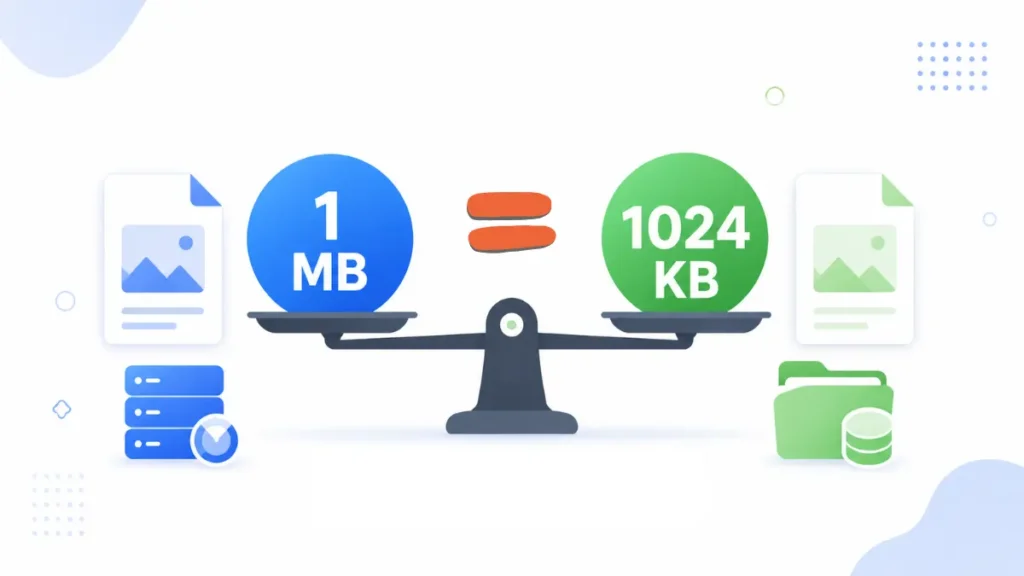
The most common storage units are shown below.
| Unit | Full Form | Common Use |
|---|---|---|
| KB | Kilobyte | Signatures, small images, text documents |
| MB | Megabyte | Photos, PDFs, music files |
| GB | Gigabyte | Videos, software, backups |
A kilobyte is much smaller than a megabyte. That is why websites often ask for files in KB instead of MB. Smaller files upload faster and take less storage space.
MB to KB Formula
The standard calculation is easy to remember.
1 MB = 1024 KB
Here are a few common conversions.
| MB | KB |
|---|---|
| 0.5 MB | 512 KB |
| 1 MB | 1024 KB |
| 2 MB | 2048 KB |
| 3 MB | 3072 KB |
| 5 MB | 5120 KB |
| 10 MB | 10240 KB |
This formula changes only the measurement. It does not reduce the actual file size. A compression tool is still required to create a smaller image or document.
Why Use an MB to KB Converter?
Many websites accept only small uploads. Large files slow the upload process and use more server storage. File size limits help websites manage millions of uploads every year.
You may need to convert a file before uploading it to:
- Government examination portals
- Passport and visa applications
- Aadhaar and PAN services
- Bank KYC portals
- College admission websites
- Scholarship forms
- Online job applications
- Employee verification systems
For example, a phone camera can create a 4 MB image. A government website may accept only a 50 KB passport photo. Without reducing the file size, the upload will fail.
An mb to kb converter solves this problem in a few clicks.
How to Convert MB to KB
Most online tools follow the same process.
- Open the mb to kb converter.
- Upload your image or document.
- Enter the required file size.
- Start the compression.
- Preview the result.
- Download the compressed file.
Many tools automatically adjust image quality to match the selected size. This saves time and removes the need for manual editing.
Tips for Better Results
A few simple habits produce better compressed files.
Use the original image whenever possible. An image that has already been compressed often loses more quality during another compression.
Crop empty background before reducing the file size. A smaller image usually needs less storage.
Choose JPG for photographs. JPG files often become much smaller than PNG files.
Read the upload instructions before starting. Some websites ask for both a maximum file size and specific image dimensions.
Keep the original file in a safe place. You can create another compressed copy later if a different website asks for another file size.
Common Upload Limits
Different websites use different file size limits. These are some of the most common examples.
| File Type | Recommended Size |
|---|---|
| Passport photo | 20–50 KB |
| Signature | 10–20 KB |
| Profile photo | 50–100 KB |
| Scanned document | 100–200 KB |
| Identity proof | Up to 200 KB |
Always check the official instructions before uploading your file. Meeting both the file size and image size requirements reduces the chance of upload errors.
The next section explains how an mb to kb converter photo works, why JPG files are easier to compress, and how an mb to kb compressor reduces file size without making images difficult to read.
MB to KB Converter Photo
Photos taken with modern smartphones look sharp, but they are often too large for online forms. Many government and banking websites accept only small image files. An mb to kb converter photo helps you reduce the file size without making the picture difficult to recognize.
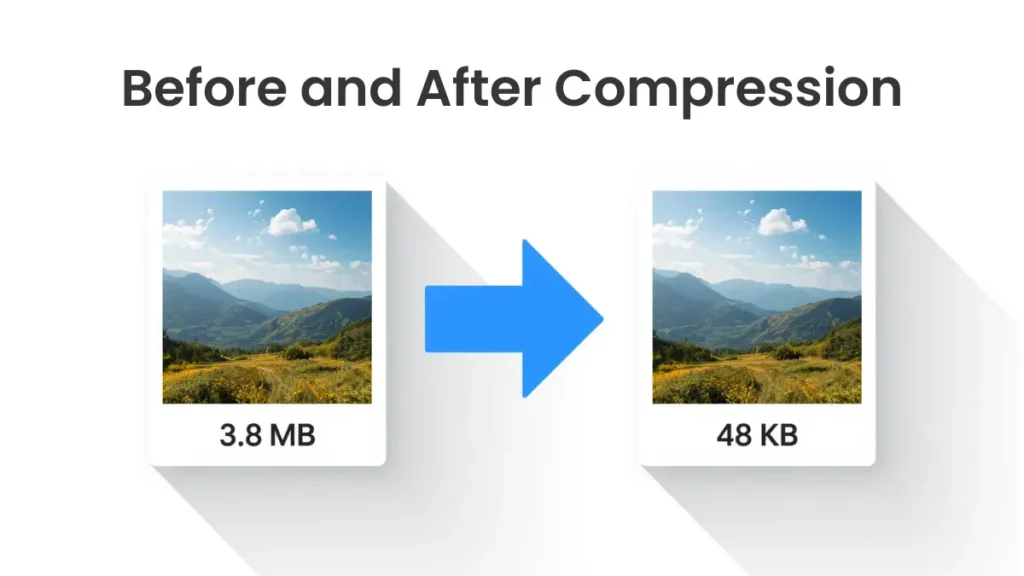
The process is simple.
- Upload the original image.
- Enter the required file size.
- Start the compression.
- Download the new image.
This method works well for:
- Passport photos
- Aadhaar and PAN applications
- Government exam forms
- College admissions
- Bank KYC
- Job applications
- Employee ID cards
Use the original image whenever possible. A fresh photo usually produces a cleaner result after compression.
MB to KB Converter JPG
JPG is one of the most popular image formats. It keeps good image quality and creates smaller files than many other formats. That is why many websites ask users to upload JPG images.
An mb to kb converter jpg reduces the file size by removing extra image data. Most people cannot notice the difference after normal compression, yet the file becomes much smaller.
A large JPG photo from a phone can often be reduced enough for:
- Passport applications
- Profile photos
- Online forms
- School documents
- Business documents
If your image is saved as PNG, changing it to JPG before compression often produces a smaller file.
Many people search for mb to kb jpg when they already have a JPG file and only want to reduce its size. The process is exactly the same. Upload the image, select the target size, and download the compressed version.
MB to KB Compressor
An mb to kb compressor reduces file size and keeps the image usable for online uploads. Good compression is not about creating the smallest file. The goal is a file that meets the upload limit and still looks clear.
These tips help produce better results.
- Compress the original file.
- Crop unwanted background.
- Stop compressing after the file reaches the required size.
- Preview the image before downloading.
- Save the original file for future use.
Many people compress the same image several times. That habit reduces quality with every new copy. One good compression usually gives the best result.
MB to KB Image
An mb to kb image tool works with many image formats, including JPG and PNG. The file becomes smaller, so uploads finish faster and websites accept the image more easily.
Check these points before uploading.
- File size matches the limit.
- Image format is correct.
- Text remains readable.
- Faces stay clear.
- Image dimensions match the instructions.
A quick review takes only a few seconds and helps avoid rejected uploads.
KB in MB
Many users search for kb in mb before compressing a file. They want to know how the two measurements are connected.
The standard calculation is:
1 MB = 1024 KB
1024 KB = 1 MB
Here are a few examples.
| KB | MB |
|---|---|
| 100 KB | 0.10 MB |
| 250 KB | 0.24 MB |
| 500 KB | 0.49 MB |
| 1024 KB | 1 MB |
| 2048 KB | 2 MB |
This simple calculation helps you understand upload limits before reducing a file.
MB to KB Converter FAQs
How many KB are in 1 MB?
One megabyte equals 1024 KB.
How do I convert MB to KB for a photo?
Use an mb to kb converter photo. Upload the image, enter the target size, and download the compressed copy.
Can I reduce a JPG image without losing much quality?
Yes. A good mb to kb converter jpg reduces the file size and keeps the image clear for most online forms.
What is the difference between an MB to KB converter and an MB to KB compressor?
An mb to kb converter helps you reach the required file size. An mb to kb compressor performs the compression that makes the file smaller. Most online tools combine both functions.
What does KB in MB mean?
KB in MB explains the relationship between the two storage units. Divide KB by 1024 to convert it into MB. Multiply MB by 1024 to convert it into KB.
Conclusion
Large files often create upload errors on official websites. A reliable mb to kb converter removes that problem in a few clicks. You can reduce photos, scanned documents, and other images without spending time on complicated editing software.
An mb to kb converter photo is useful for passport pictures, exam forms, and banking documents. An mb to kb converter jpg works well for JPG files that need a smaller size. An mb to kb compressor reduces the file size and keeps the image clear for online use.
Check the required file size before uploading. Review the compressed image one final time. A clear image that matches the upload limit gives you the best chance of a successful submission.